
Save That
Built to help saved links show up again. What started as a simple experiment to solve a very personal problem, quickly took over all my weekends, late nights, and safe to say - a fuck ton of tokens.
Time
Sep 2025 - Present
My Role

🔗 The Problem
It's 2026 and everyday we consume more information than ever. Few of them we go through entirely. Some we skim halfway. And few we save for later. But most of what we save, we never find again. It slowly piles up. Soon, we forget it exists.
Every time I save something, there's a small moment where I'm hoping: "I'll find this again when it matters..." But how often do we actually remember that we saved something useful, find it at the right time, and use it?
What started as a simple experiment to solve a very personal problem, quickly took over all my weekends, late nights and safe to say - a fuck ton of tokens.
🛠️ What I Built
Save That currently supports two bookmark sources: Raindrop.io and X/Twitter bookmarks.
I'm a long-time Raindrop user and love the app for its simplicity and great support on iOS, browser, integrations, etc. Since I'd already been using it since 2023, it made more sense to build on top of it, rather than starting from the core 'save a link' flow. Twitter bookmarks were a natural addition since so many of us save tweets and threads we never find again.
Save That syncs both sources after login, importing your collections, bookmarks, and saved tweets.
Native saving is coming to Save That later, but starting with existing sources keeps things simple and familiar. Expect chrome extensions soon.
🧠 Every Saved Link is Deeply Understood
For every saved bookmark, Save That:
- Stores the raw content
- Generates a clean, contextual summary
- Preserves why and where you saved it
All major formats are supported: regular web links, YouTube videos, PDFs, and even X posts (!!)
This makes it easy to skim what you saved and quickly decide whether to dive deeper into the original source.
Save That also understands why a link was saved, using signals like the collection it lives in, tags, and any notes added at save time. That context is then used to generate more meaningful, personalized summaries.
Visual content is included as part of the analysis as well, ensuring important visual context isn't lost, especially useful when saving design inspiration and visual references.
🔍 Find Links and Go Down Rabbit Holes

Once I find a bookmark, the next question is usually: "Is this the best thing I have saved for this topic, or is there something better?"
That's where Similar Bookmarks come in.
Using embeddings, Save That surfaces related bookmarks automatically, helping uncover other links saved for the same idea, task, or line of thought.
This makes it easy to go down focused rabbit holes, rediscovering useful links you might've saved months ago and completely forgotten about.


💬 Search Through Ideas, Not Keywords

I don't remember exact titles or links, I remember ideas.
That's why semantic search was a no-brainer for Save That.
You can write natural, intent-based queries, and Save That returns the closest matches using similarity scoring with an auto-adjusting threshold until it finds meaningful results.
I've repeatedly found links I didn't even remember saving, and with 440+ bookmarks, trust me when I say that happens more often than I expected.
🤖 Chat Your Way Through

Beyond search, Save That introduces a conversational way to explore what you've saved.
Because the app stores raw content, source metadata, and contextually generated summaries, you can ask questions naturally, and the system surfaces relevant links you'd never find by manually scrolling through bookmarks.
This medium of exploration also unlocks reflection. You can run structured queries and ask for things like a 2025 wrap-up of what you saved, the themes you kept coming back to, and trends in what you consumed.
What started as an experiment turned into one of the most surprisingly useful parts of the app, a fun and reflective way to understand your own interests over time.
🎨 Exploring Interesting UX

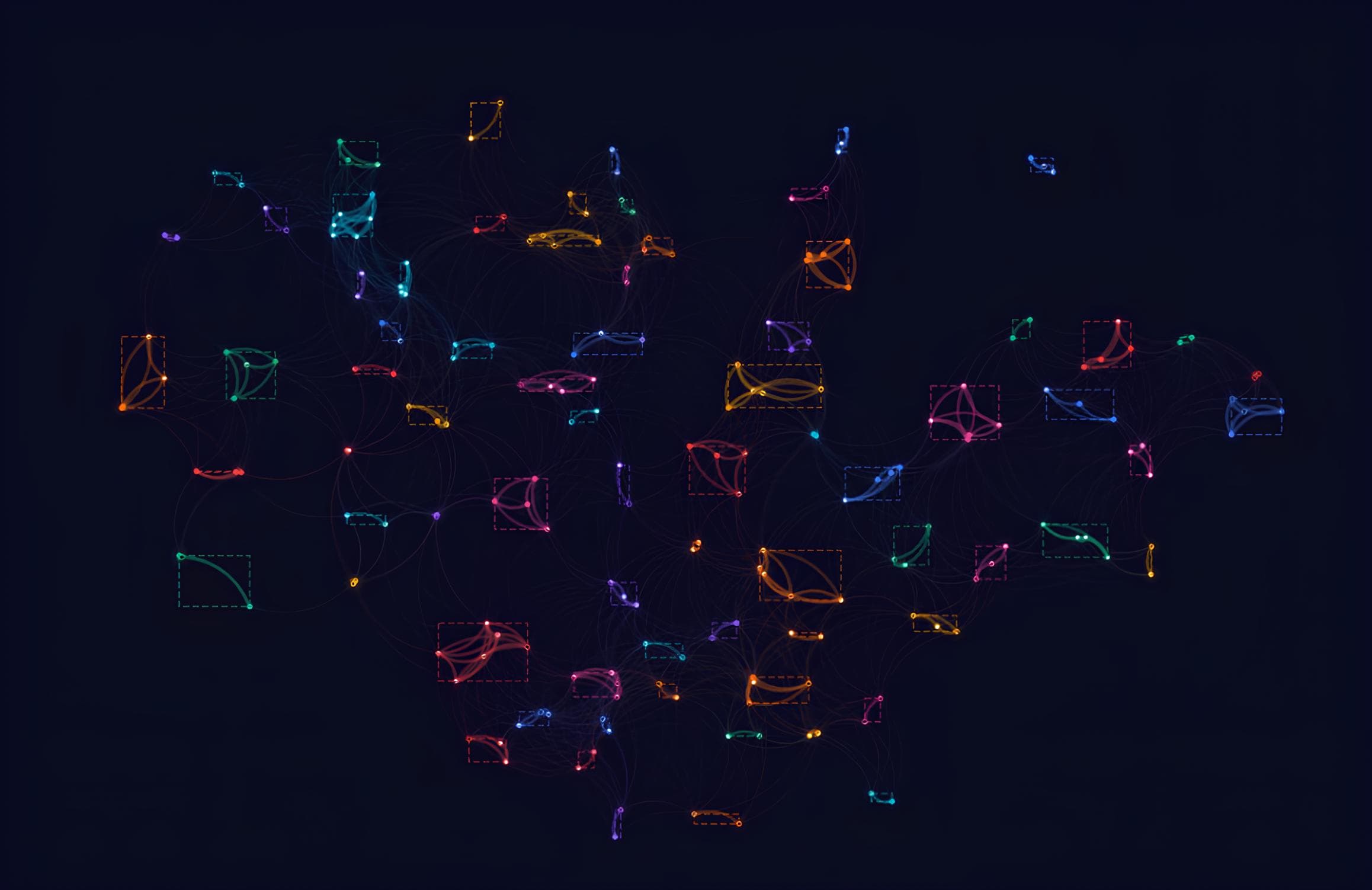

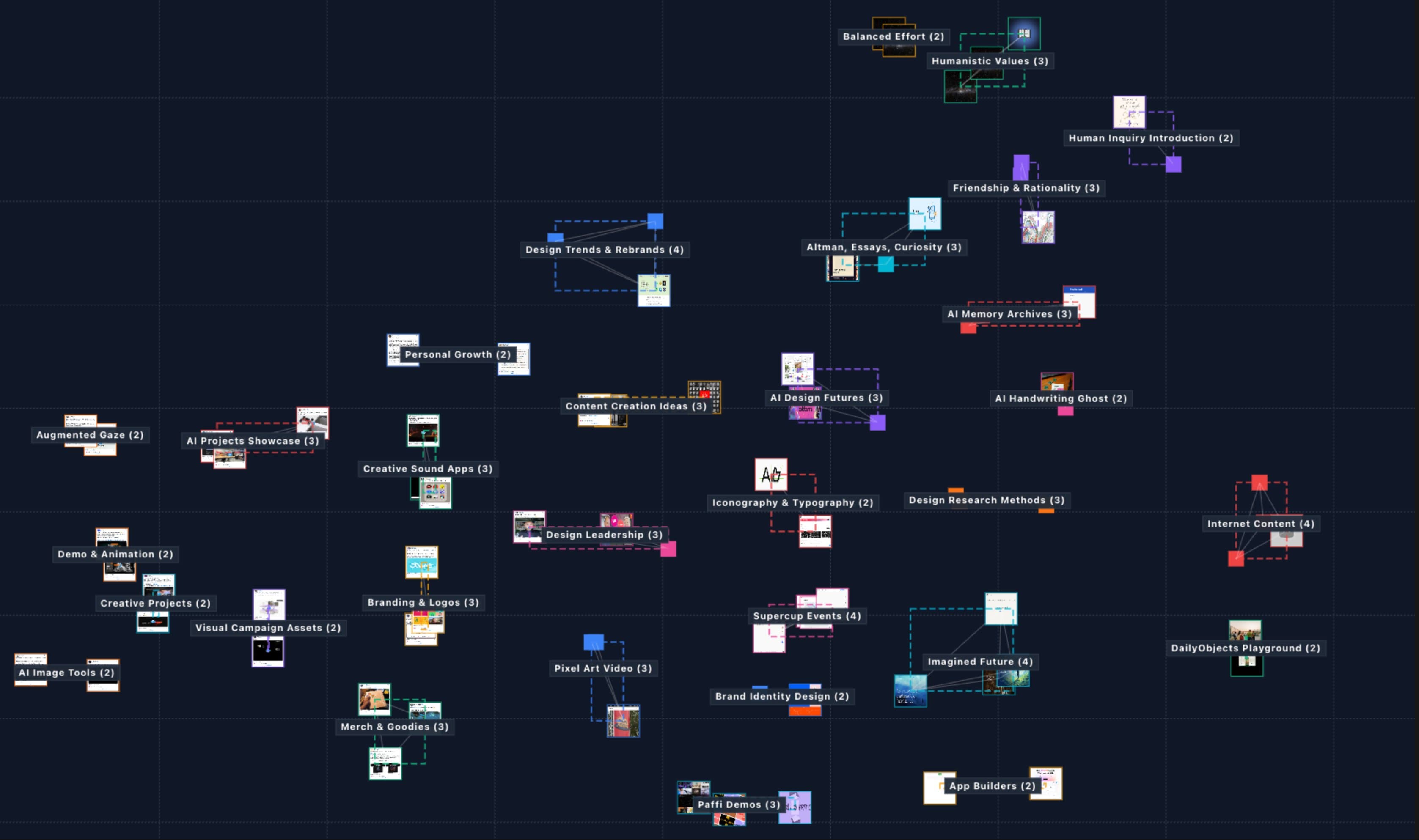
Beyond search and chat, I've been experimenting with new ways to explore saved links.
Using embedding-based clustering, related links are grouped together so you can browse themes instead of usual grids or list views. Clusters are named automatically to make exploration intuitive and to help you discover connections across your saved content.
This approach is still evolving, but it's already making it easier to stumble into useful rabbit holes and rediscover links I'd otherwise never scroll back to.
It's reflective in an unexpected way, you can literally see how vast your interests are.
⚙️ The Tech Stack
A quick breakdown:
| Layer | Tech |
|---|---|
| Frontend | Next.js 15, React 19, TypeScript, Tailwind 4, shadcn/ui |
| Backend | tRPC, TanStack Query, Zod |
| Database | Neon (Postgres + pgvector), Drizzle ORM, SingleStore |
| AI | Vercel AI SDK, Gemini 2.5 Flash Lite, Claude Haiku 4.5 |
| Async & Realtime | Trigger.dev, Pusher, Upstash Redis |
| Infra | Vercel (serverless), Railway (scraping + clustering), Cloudflare R2 |
| Payments | Dodo Payments (UPI-friendly) |
| IDE | Cursor + Antigravity |
| Coding Models | Opus 4.5, GPT 5.2, Gemini 3 Pro |
The learning curve was steep, and Save That was rebuilt 4 times across different stacks before landing here. At one point, this was even a fully working CLI app after I fell into a terminal-UI rabbit hole.
🪞 Reflecting on My Journey

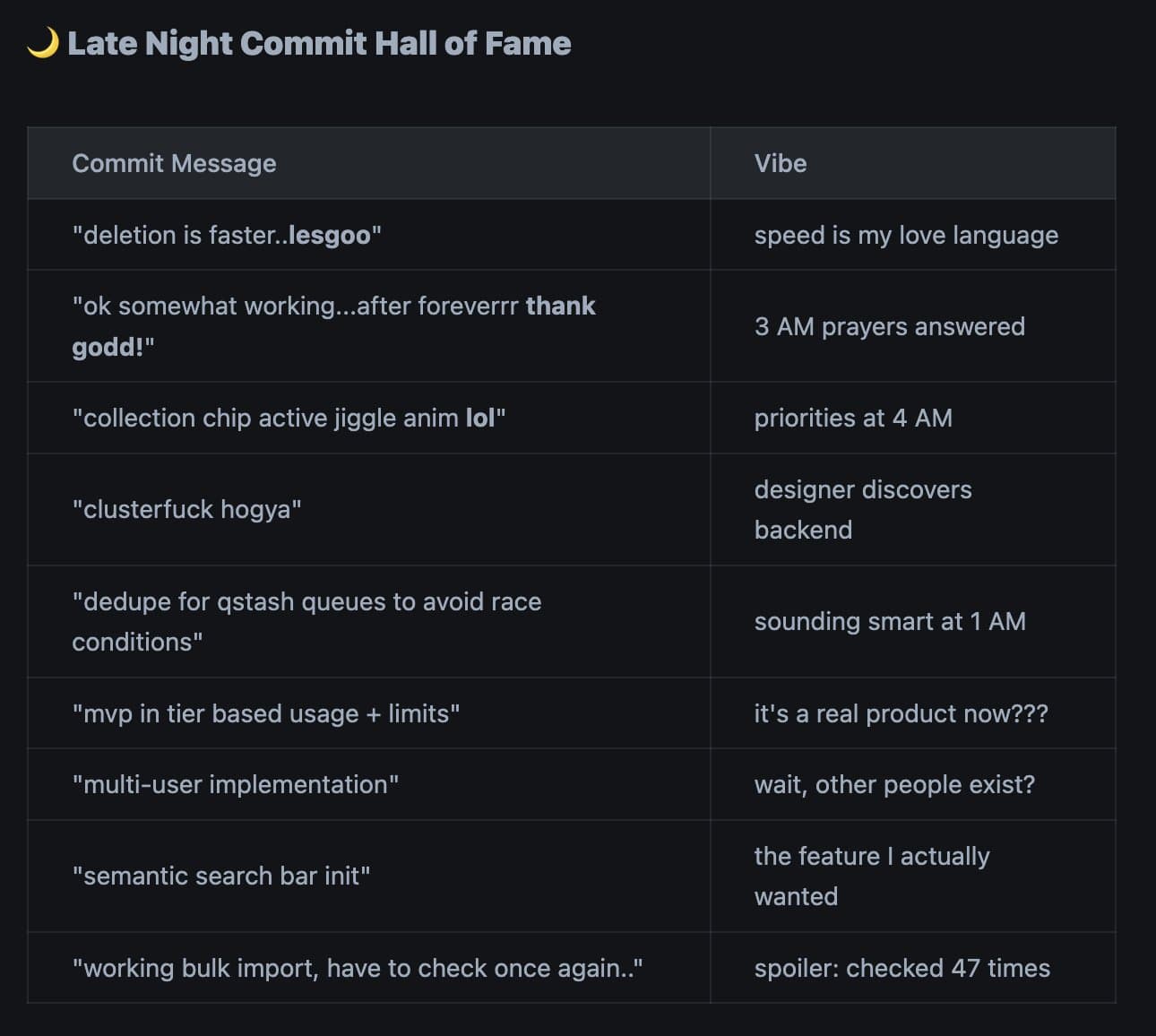
I've always wanted to build things.
I remember trying to learn React multiple times, going through the docs, building the classic tic-tac-toe app, watching countless Udemy and YouTube tutorials. It never really stuck.
That changed around the launch of GPT-3.5. I started using ChatGPT as a learning companion, yes, copy-pasting code from tabs, breaking things, fixing them, and slowly understanding how everything fit together.
I started small: a simple habit-tracker app in SwiftUI. Then this portfolio. Fast forward to now, I build with code almost every day, both for fun projects like Save That and in my product design work.
Seeing an idea move from a thought in my head to something live and usable is genuinely addictive, and today's AI tools make that possible in ways that didn't exist before.
"Everything around you that you call life was made up by people that were no smarter than you."
Steve Jobs
🚀 What's Next?
Save That is currently in beta with Raindrop and X/Twitter integration, and will open up to a wider audience once native saving is built.
There's a bit more polish left: tightening UX in the lesser-used flows, adding basic email and support workflows, and fixing a few bugs I've intentionally left for later.
Then it's time to ship. More updates soon. 🚀
You made it this far — reach out for a yummy beta discount code! Sign up at savethat.app